
5 Ways to Bypass “Data Recovery Cannot Be Completed” Screen
iPhone can be stuck on the “Data recovery cannot be completed. Please restore your iPhone from backup” screen after you have changed your passcode, updated your phone, attempted to

iPhone can be stuck on the “Data recovery cannot be completed. Please restore your iPhone from backup” screen after you have changed your passcode, updated your phone, attempted to

Recently cleared your Safaris browser history by accident and looking for a way to get back your data? Is deleted Safari history gone forever? Luckily

While backing up your iPhone through iTunes on a Windows PC, even when everything looks fine, you may see a message saying that iTunes could not

You may want to know the process to remove company management from iPhone under the following conditions: If any of the above conditions is true, you are
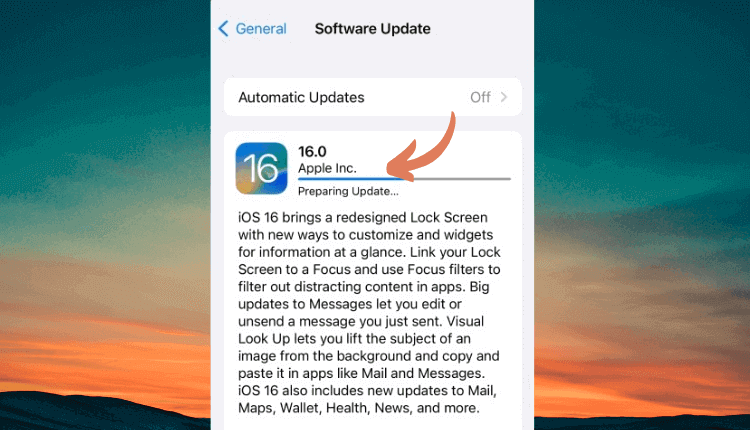
Are you trying to update to iOS 18 but your iPhone is stuck on the “Preparing Update” screen? If you find this article, you must

In addition to protecting your iPhone with a passcode, another layer of security that prevents your kids or unauthorized people from accessing the apps beyond the

‘iPhone Passcode Expired’ is an error that you see a pop-up saying that your iPhone unlock passcode has expired when you are using your iPhone. If you

iTunes plays an important role when it comes to managing your iPhone, or any other iOS device for that matter, especially when you don’t have

Being an owner of an iPhone, many times you might stumble upon a situation where the phone gets stuck or doesn’t behave normally. Although the

If you’re reading this article, we’ll assume you already know how to restore your iPhone. You’ve plugged it in, pressed the little icon in iTunes,